
The Telegram file size limit, and why quality drops long before you reach it
By Rojitson N. · Builder, TG Downloader · Updated 3 October 2026
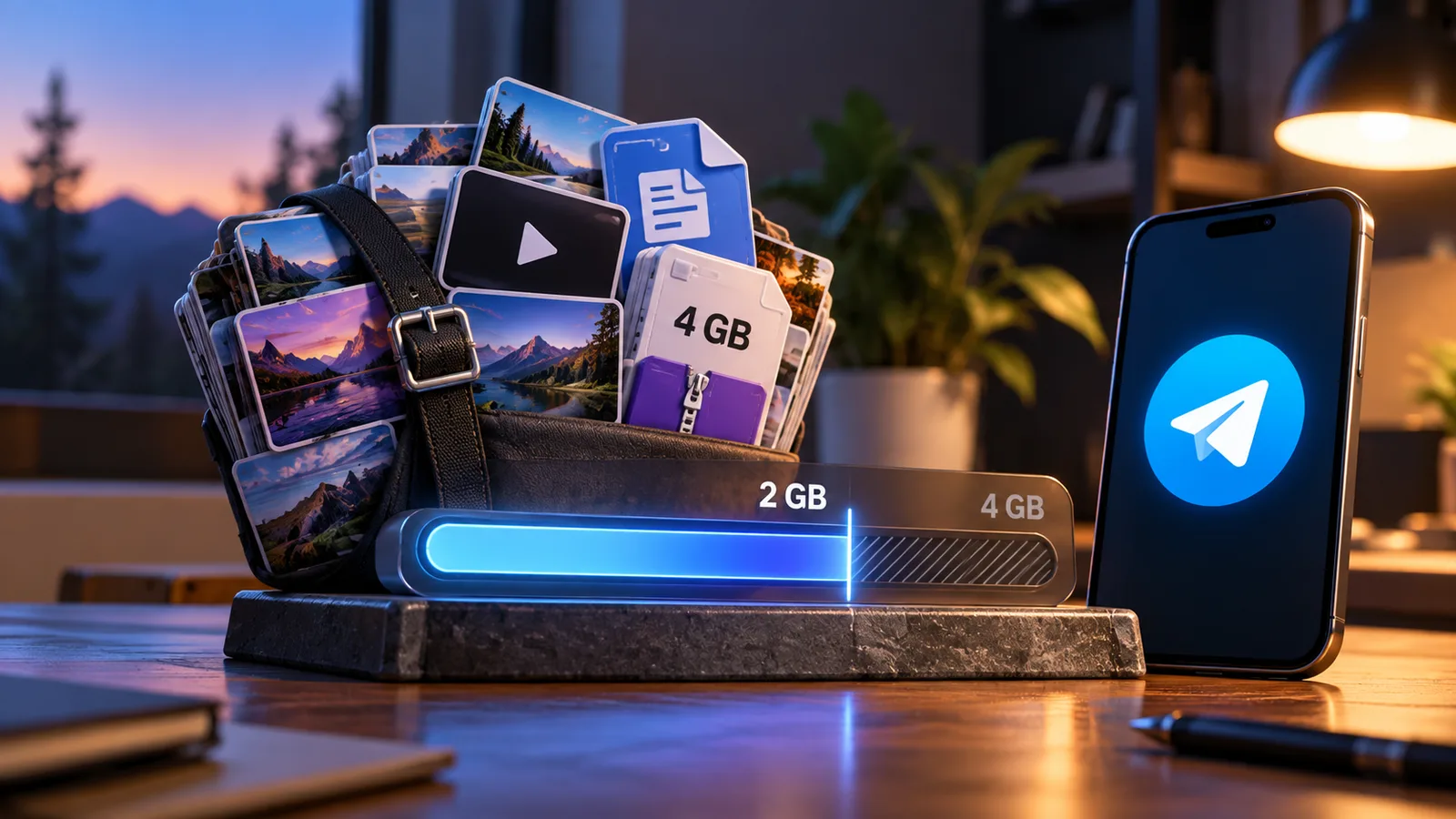
The Telegram file size limit is 2 GB per file on a free account and 4 GB with Telegram Premium. There is no cap on how many files you send or how much you store. Anyone can download a 4 GB file; only Premium can upload one. Bots are far lower: 50 MB up and 20 MB down. In practice quality suffers long before size does, because photos and videos sent the normal way are re-compressed. Send them as a file to keep the original.
The limits at a glance
| Limit | Free account | Premium |
|---|---|---|
| Upload, per file | 2 GB (2000 MiB) | 4 GB (4000 MiB) |
| Download a file someone sent you | Up to 4 GB | Up to 4 GB |
| Number of files | Unlimited | Unlimited |
| Total cloud storage | Unlimited | Unlimited |
| Download speed | Can be limited by Telegram | No limit on Telegram's side |
| Bots (standard Bot API) | 50 MB up, 20 MB down | Same: Premium doesn't apply |
The 2 GB and 4 GB figures are per file, not per day or per account. Telegram's FAQ puts it as an unlimited number of files of up to 2 GB each. The limit went from 1.5 GB to 2 GB in July 2020, and Premium added the 4 GB tier in June 2022.
One detail catches people out. The ceiling is counted in upload chunks, and it works out at 2000 MiB, not 2048. A video your computer shows as "2.0 GB" can still be refused with File Too Large. If you're splitting a file to fit, aim for parts of about 1900 MB.
Why your video looks worse when it's nowhere near the limit
Most people searching for the Telegram file size limit aren't hitting it. They sent a 40 MB clip and it arrived soft and blocky. That isn't the limit; it's compression.
- Photos sent from the gallery are re-encoded to a smaller image. Since June 2025 there's an HD option (tap SD in the photo editor, or choose Send in High Quality) that sends four times the pixels. It's still a re-encode, not your original file.
- Videos sent from the gallery on a phone are re-encoded too. On Android the video editor has a quality slider, so you can choose a higher resolution, but it is still converted. Telegram Desktop added its own video editor with a quality setting in version 7.1 (August 2026).
- Files are never touched. Send a photo or video as a file and the other person gets the exact bytes you sent, up to the 2 GB or 4 GB limit.
You may also have seen a quality menu (Auto, High, Medium, Low) on videos in big channels. That arrived in October 2024 and only changes what you stream. It doesn't change what the channel uploaded, and it only appears in channels with thousands of subscribers.
How to send without compression, app by app
The wording differs between apps, which is why generic instructions so often don't match your screen. These are the labels used in each official app's current source code.
| App | To keep the original | Shows up as |
|---|---|---|
| Android | Paperclip → Gallery, select, then ⋮ → Send without compression. Or paperclip → File | File |
| iPhone | Paperclip → File, or select in the picker and choose Send as File | File |
| Telegram Desktop | Paperclip → File, or untick Compress images in the send window. Dragging in also offers a "without compression" drop zone | Document |
| Telegram Web A | Attach → File, or Send as Files in the preview menu | File |
| Telegram Web K | Attach → Document, or untick Send compressed in the preview | Document |
The trade-off: a file may appear as an attachment with a thumbnail rather than an inline player, depending on the recipient's app and the video format. For anything you care about keeping, that's a small price.
Sending something bigger than 2 GB
Telegram has no way to go past the per-file limit, so the options are all ways of making the file fit.
- Premium, if it's under 4 GB. Only the sender needs Premium: anyone can download a 4 GB file. Telegram describes 4 GB as roughly four hours of 1080p video.
- Split it. In 7-Zip choose Add to archive, set Split to volumes to 1900M, and pick the Store compression level for video (it's already compressed, so zipping again only wastes time). The recipient puts all the parts in one folder and opens the .001 file. WinRAR has the same option; on macOS or Linux, split -b 1900m does it and cat rejoins the parts.
- Re-encode it smaller. For video this is often less lossy than people expect. If the recipient might watch it in a browser, use H.264: some browsers won't play H.265.
- Send a link instead. A cloud storage link works for any size, but the file then lives outside Telegram.
Bots have much lower limits
If a bot told you a file is too big, the limit you hit isn't 2 GB. According to the Bot API documentation, a bot can send files up to 50 MB and can download files up to only 20 MB. Photos are capped at 10 MB. Premium doesn't raise any of this, because the bot's account is the one doing the work, not yours.
Developers can lift the ceiling to 2000 MB by running their own local Bot API server. Most public bots don't. That's one reason "send me the link" downloader bots tend to fail on long videos; our guide to downloader bots covers the other reasons, including the ones that ask for your login code.
Receiving and saving large files
Anyone can download a file of any size Telegram allows, including 4 GB files from Premium users. Premium's other relevant perk is speed: Telegram says it lifts download speed limits "on Telegram's side", though your connection can still be the bottleneck. On Telegram Desktop, the download manager lets you pause and resume a long download.
Whatever you download is exactly what the sender uploaded. If they sent it as a file, you get the original. If they sent compressed media, the lost detail never reached Telegram, so no app or downloader can restore it, ours included. Check this before blaming the tool you saved with; our guide to videos that won't download covers the other common causes.
For multi-gigabyte files, the Desktop or phone app is the most reliable place to download. For everyday photos and videos in Telegram Web, our free extension adds a save button that downloads the file as Telegram stores it, at full size. More on that in saving Telegram photos in original quality.
Frequently asked
What is the Telegram file size limit?
2 GB per file on a free account and 4 GB per file with Telegram Premium, checked October 2026. There's no limit on the number of files or on total cloud storage. Bots are lower: 50 MB to send and 20 MB to download.
Can I send a 4 GB file without Telegram Premium?
No. Uploading anything over 2 GB needs Premium. Receiving is different: a free account can download a 4 GB file that a Premium user sent.
Why does Telegram reduce my photo and video quality?
Media sent from the gallery is re-compressed to load fast, whatever its size. Send it as a file (File, Send as File, or Send without compression, depending on the app) and the recipient gets the original.
What does the HD button on Telegram photos do?
Added in June 2025, it sends a photo at higher resolution than the default, about four times the pixels. It's still re-encoded. To keep the exact original, send the photo as a file.
Why does a Telegram bot say the file is too big?
Bots on the standard Bot API can only download files up to 20 MB and send files up to 50 MB. Telegram Premium doesn't change this. Bot developers can raise it to 2000 MB by running their own Bot API server.
Does Telegram delete files after a while?
Not while your account is active. Cloud storage is unlimited, but by default Telegram deletes an account after 18 months of inactivity, and everything in it goes too. You can change that period in the privacy settings.
We build TG Downloader, a Chrome extension that saves media from your own Telegram chats in one click — free for 5 downloads a day, no account needed.